Version v26.08
Warning
Update to version v26.08 must be performed according to special instructions.
Version v26.08 adds: two-factor authentication, loading of named IP address lists onto Collector, widgets of tops and rates by applications in flow analysis, widgets of tops by group traffic on the “Overview” page, detection rules for monitoring objects, an option to not count flow with a zero egress interface as dropped.
The functionality of TBL, TBL6, SORB, SORB6, FTLS, and FRB countermeasures has been expanded. The SERB countermeasure has been removed, its functionality has been moved to SORB.
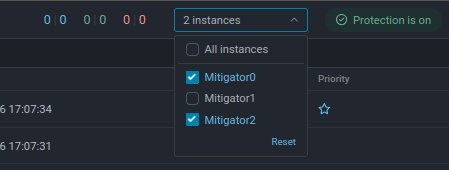
UX improvements have been made: displaying graphs from several instances simultaneously and period switch buttons on graph pages.
Changes in v26.08
Now users whose accounts have two-factor authentication enabled will need to enter an additional confirmation code at sign-in.
To enable two-factor authentication, the user must install an authenticator app and enter the secret key or scan the QR code in the profile settings.
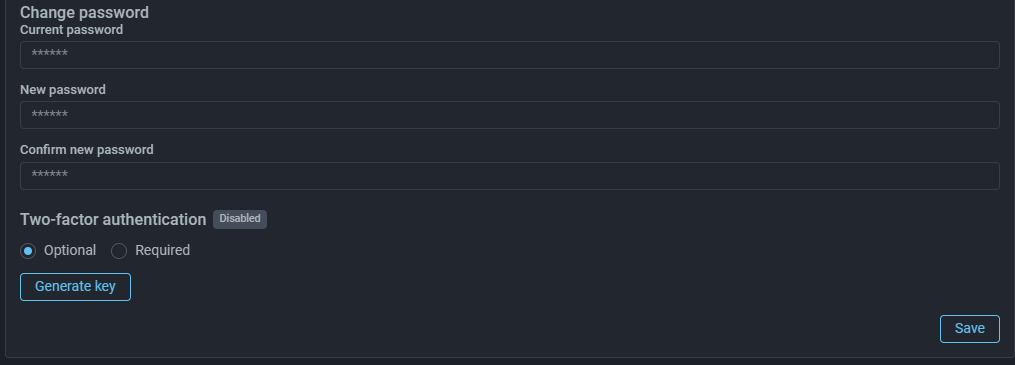
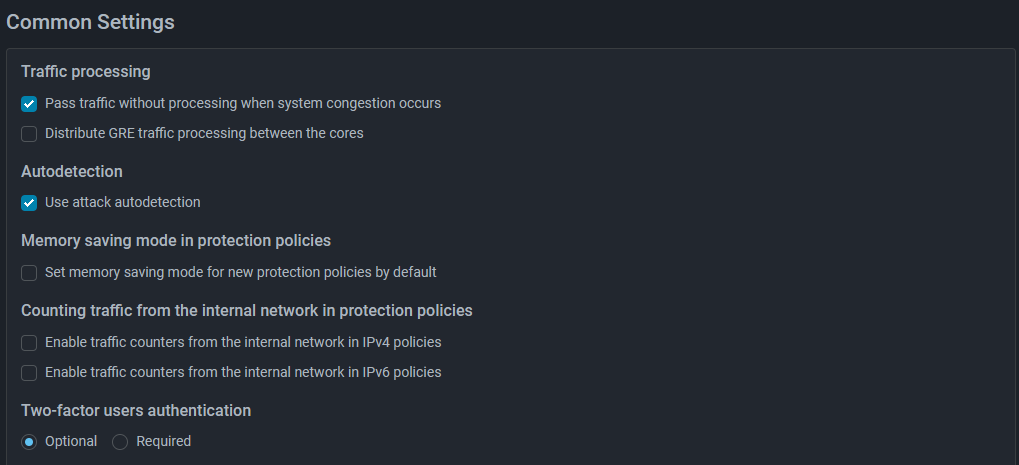
A system administrator can make authentication mandatory for all users or leave it optional — each user will be able to enable it at their discretion. The setting is specified on the “Common Settings” page in system settings.
Note
When updating to version v26.08, you must set the master secret for encrypting sensitive settings according to the special instructions.
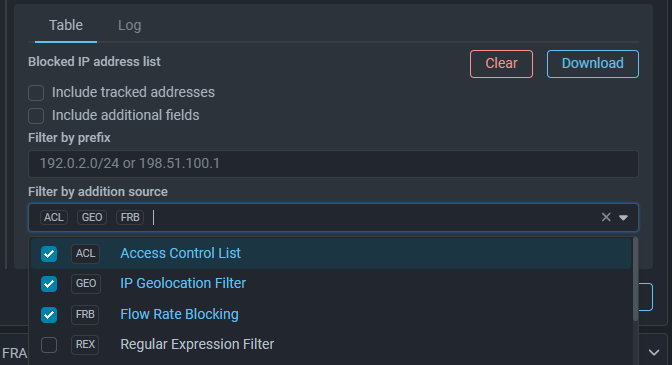
Now, when exporting blocked IP address list and blacklist change log, you can set a filter by the source of addition of the IP address to TBL.
Now a named IP address list can be assigned the option “Can be used in traffic collectors”. These lists will be loaded onto Collector and used for solving various tasks.
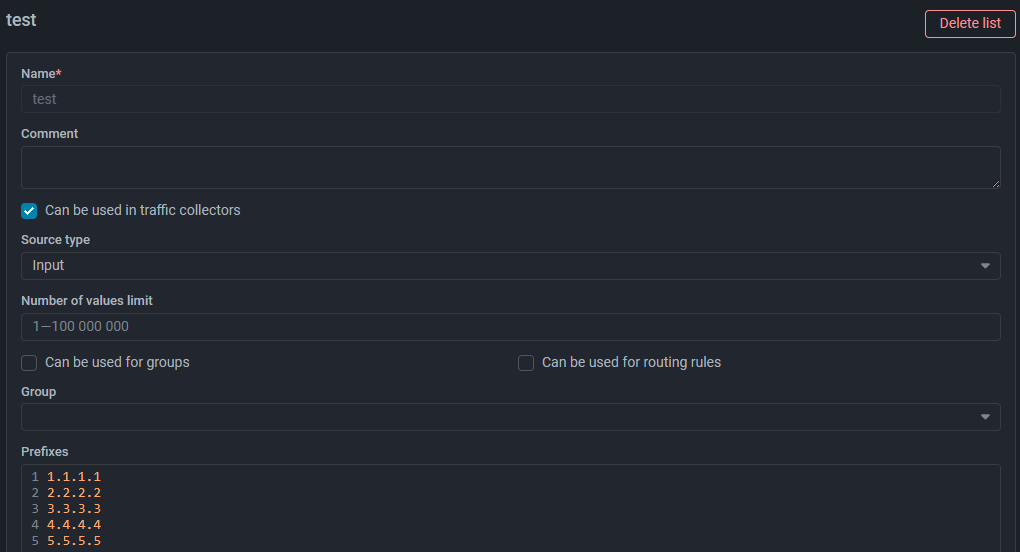
Named lists for which the ability to load onto Collector has been activated are marked with a flag in the common list.
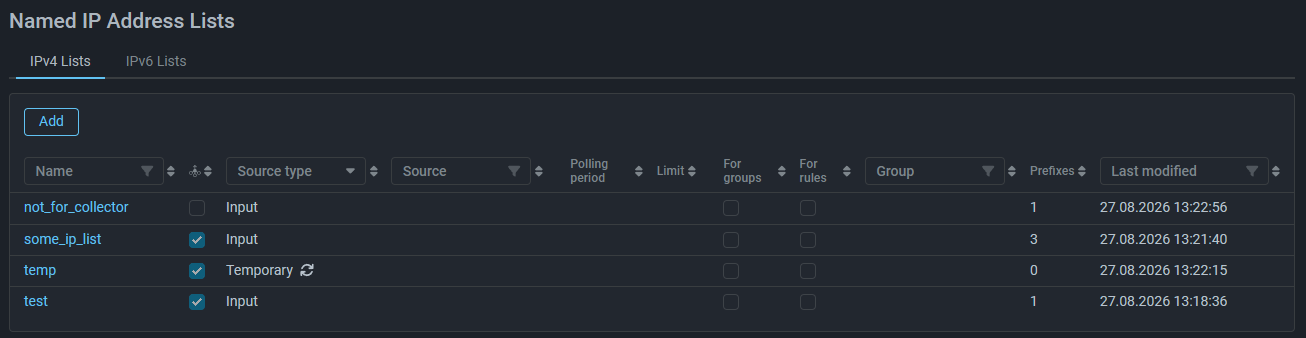
Currently, lists for loading onto Collector accept only IP addresses and prefixes. Support for autonomous system numbers and domain names will be added in future versions.
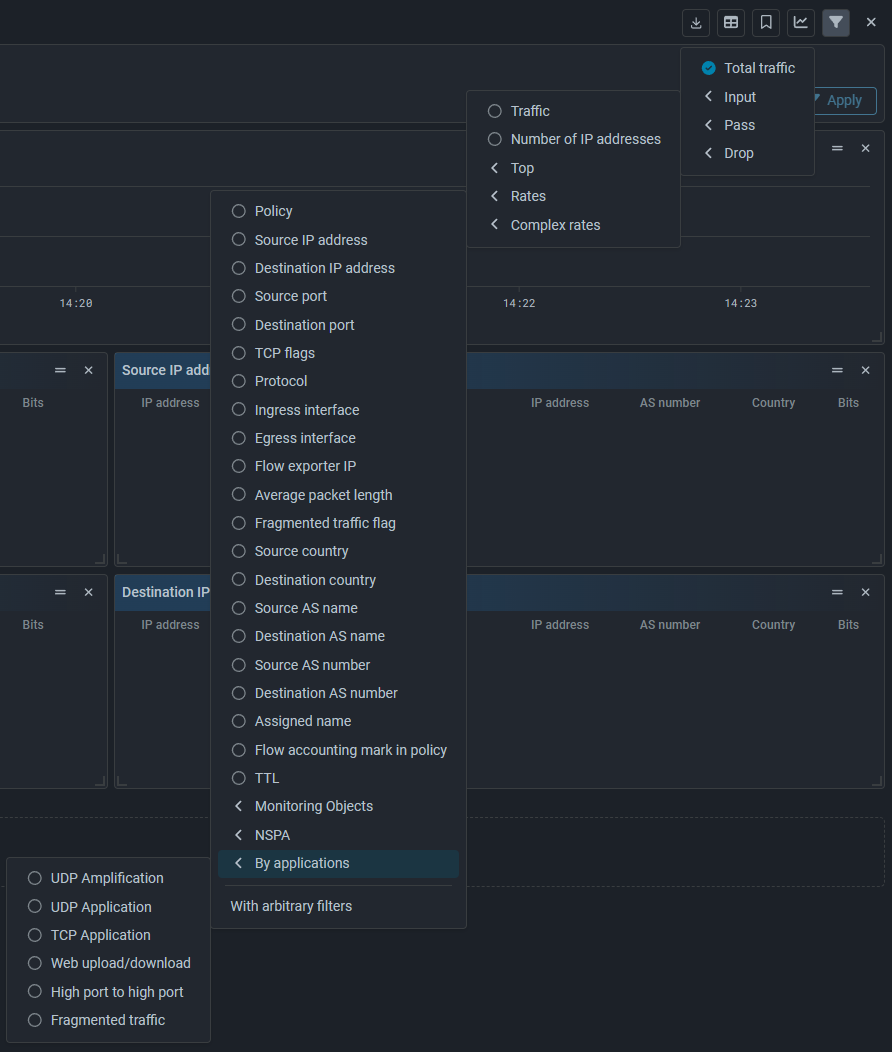
Widgets “With arbitrary filters” have been reworked. Now widgets with preset filters are moved into a separate group “By applications”. Application widgets are available both for tops and for rate graphs.
The widget with arbitrary filters is preserved for the “Rates” category.
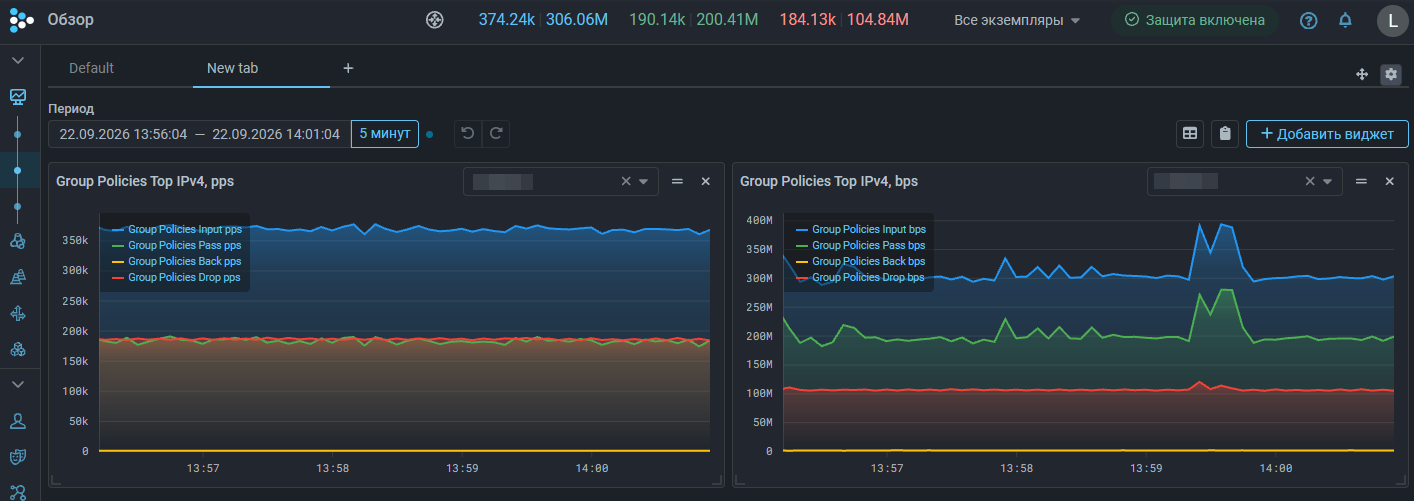
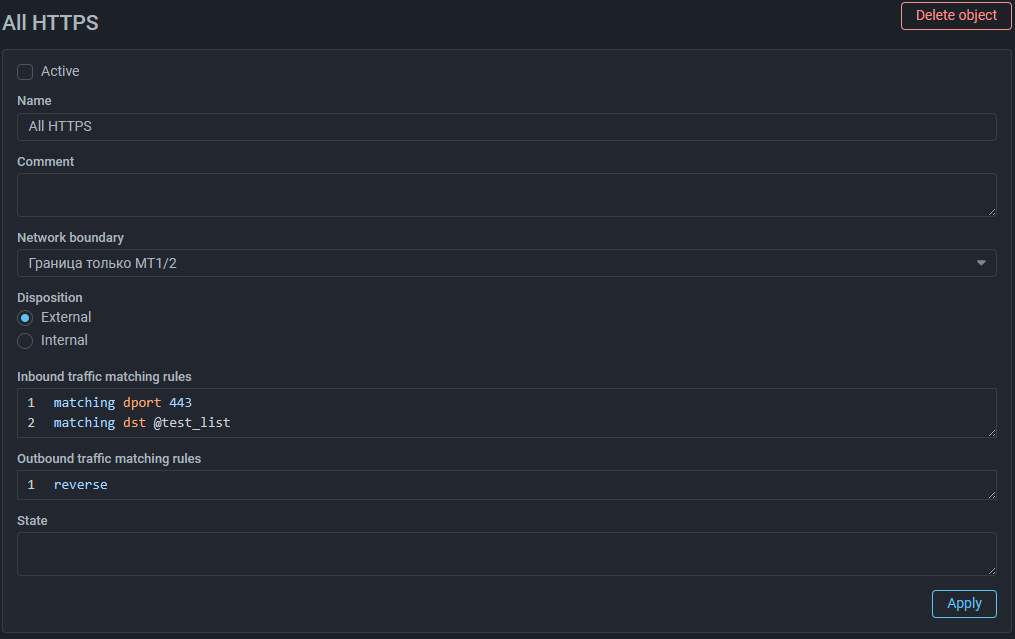
Now in the rules for defining inbound and outbound traffic of a monitoring object, you can specify named IP address lists loaded onto Collector.
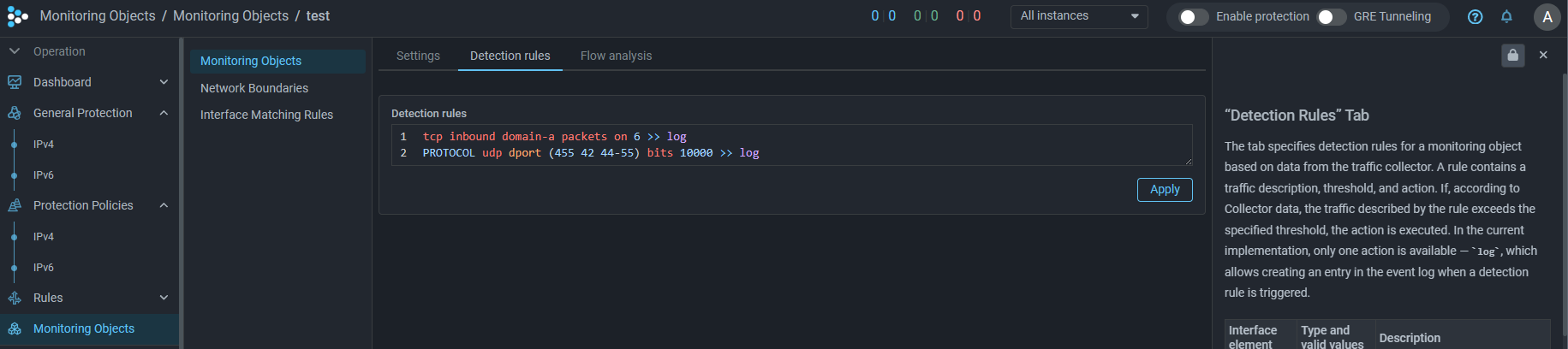
A “Detection Rules” tab has been added to the monitoring object page, which specifies rules for the monitoring object’s traffic. A rule contains a traffic description, a threshold, and an action. If, according to the Collector’s data, the traffic described by the rule exceeds the threshold set for it, the action is performed.
For convenient display of traffic graphs on installations with multiple instances, now you can select for display graphs not only from one specific instance, but from several at once. For each curve, the total value across the selected instances will be displayed.