Version v26.08
Warning
Update to version v26.08 must be performed according to special instructions.
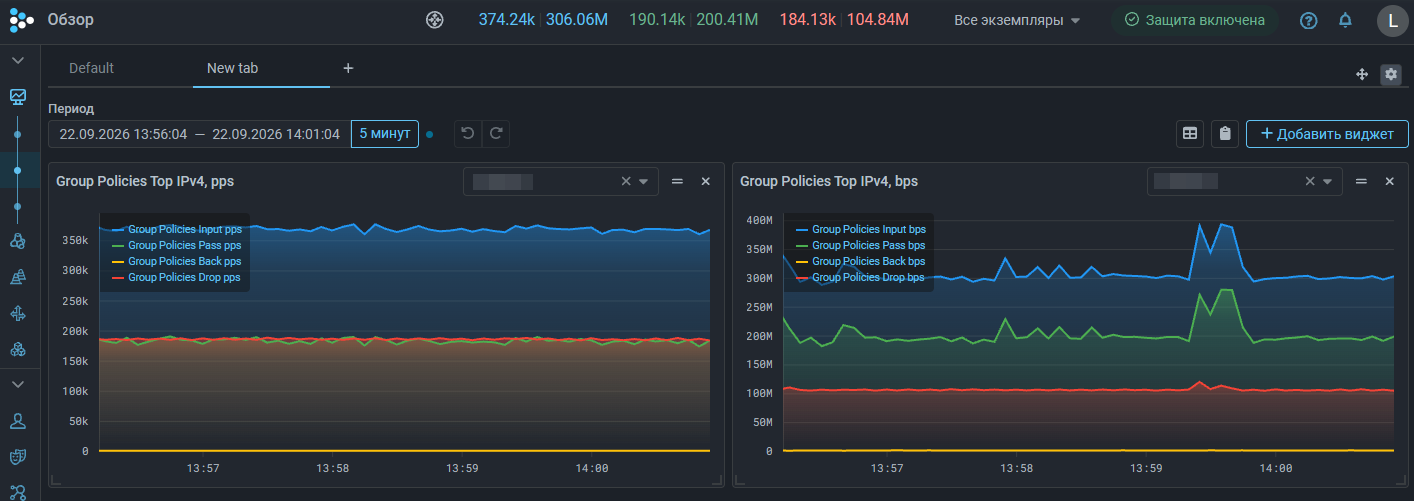
Version v26.08 adds: two-factor authentication, loading of named IP address lists onto Collector, widgets of tops and rates by applications in flow analysis, widgets of tops by group traffic on the “Overview” page, detection rules for monitoring objects, an option to not count flow with a zero egress interface as dropped.
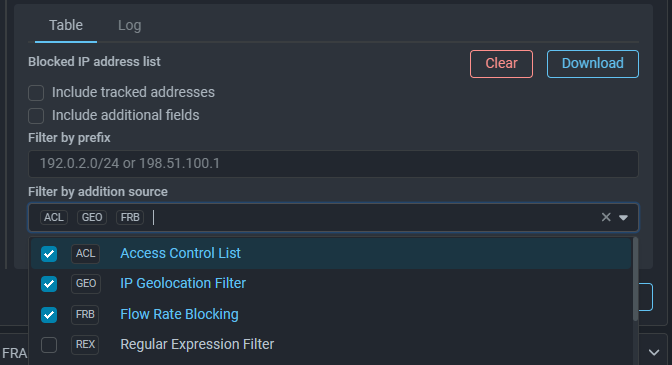
The functionality of SORB, SORB6, FTLS, and FRB countermeasures has been expanded. The PASS action has been added in the FTLS and FRB countermeasures. Filtering by autonomous system numbers has been restored in the GEO countermeasure. The SERB countermeasure has been removed, its functionality has been moved to SORB.
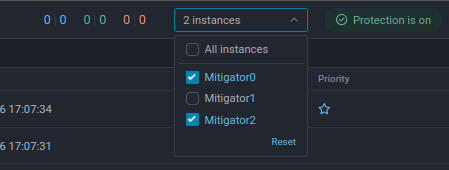
UX improvements have been made: displaying graphs from several instances simultaneously and period switch buttons on graph pages.
Changes in v26.08
"User" Page
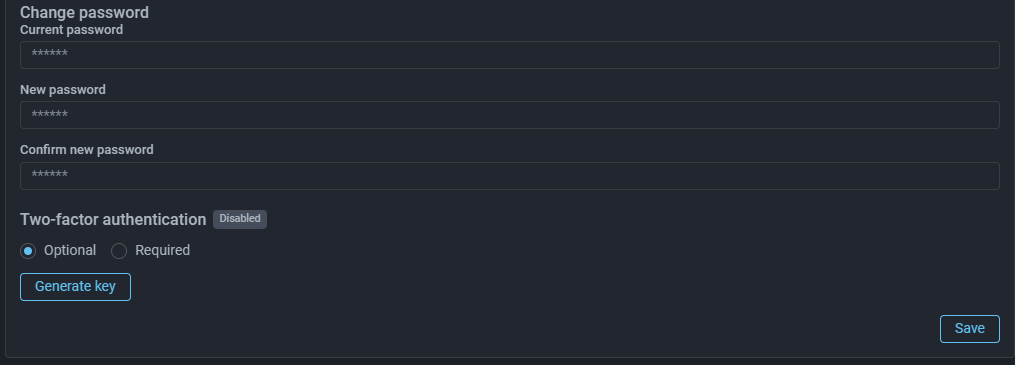
Added two-factor authentication
Now users whose accounts have two-factor authentication enabled will need to enter an additional confirmation code at sign-in.
To enable two-factor authentication, the user must install an authenticator app and enter the secret key or scan the QR code in the profile settings.
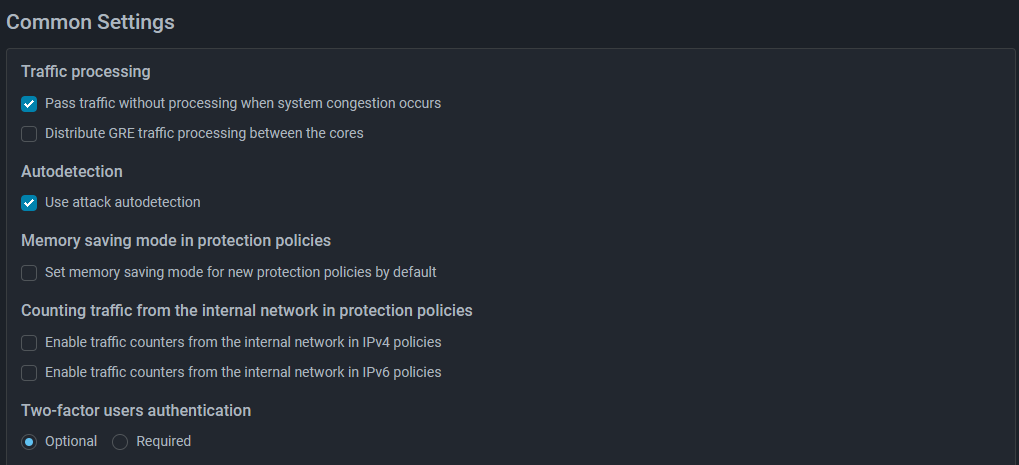
A system administrator can make authentication mandatory for all users or leave it optional — each user will be able to enable it at their discretion. The setting is specified on the “Common Settings” page in system settings.
Note
When updating to version v26.08, you must set the master secret for encrypting sensitive settings according to the special instructions.
Countermeasures
SORB. Reworked countermeasure
- Added SORB countermeasure functionality for blocking traffic of the pair of a source IP address and port.
- Added new functionality for blocking traffic of the pair of source and destination IP addresses.
SERB. SERB countermeasure removed
FTLS. Added PASS action for rules
Added the PASS action that allows excluding the effect of the countermeasure on traffic
matching certain fingerprints. Traffic matching the fingerprints in such a rule
will be passed to the countermeasure’s output.
For example, the following rule will pass to the countermeasure’s output all “ClientHello”
matching the specified JA3 fingerprint, and it will not be affected by the subsequent rules
that specify named fingerprint lists, nor by the action for JA3/JA4 fingerprints
not specified in the rules.
PASS JA3 771,4866-4867-4865-49191-255,11-10-35-22-23-13-43-45-51,29-23-30-25-24,0-1-2For all fingerprints not described by the rules, you can also choose one of the three actions: set a cumulative threshold, upon exceeding which traffic of other fingerprints will be dropped, add senders that have exceeded the cumulative threshold to TBL, or pass the “ClientHello” not described by the rules to the countermeasure’s output.
In order to unify rules, the BLOCK action should now be specified at the beginning of a rule.
For backward compatibility, the ability to specify the BLOCK action in the middle of a rule
is preserved, so rewriting old rules is not required.
FRB. Added PASS action for rules
Added the PASS action that allows excluding the effect of the countermeasure on traffic
matching a certain pattern. Traffic matching such a rule will be passed to the countermeasure’s
output.
For example, the following rule will pass to the countermeasure’s output all packets from the
network 10.10.10.0/24 sent to the IP address 175.180.90.21, and it will not be affected
by the subsequent rules that specify named IP address lists, nor by the action for
the rest of traffic not described by the rules.
PASS ACL src 10.10.10.0/24 dst 175.180.90.21For traffic that does not match any of the rules, you can also choose one of the three actions: set a cumulative rate threshold in packets or bits per second, upon exceeding which the traffic will be dropped, add senders that have exceeded the cumulative threshold to TBL, or pass the traffic not described by the rules to the countermeasure’s output.
In order to unify rules, the BLOCK action should now be specified at the beginning of a rule.
For backward compatibility, the ability to specify the BLOCK action in the middle of a rule
is preserved, so rewriting old rules is not required.
GEO. Filtering by autonomous system numbers restored
Named Lists
Added ability to load named IP address lists onto Collector
Now a named IP address list can be assigned the option “Can be used in traffic collectors”. These lists will be loaded onto Collector and used for solving various tasks.
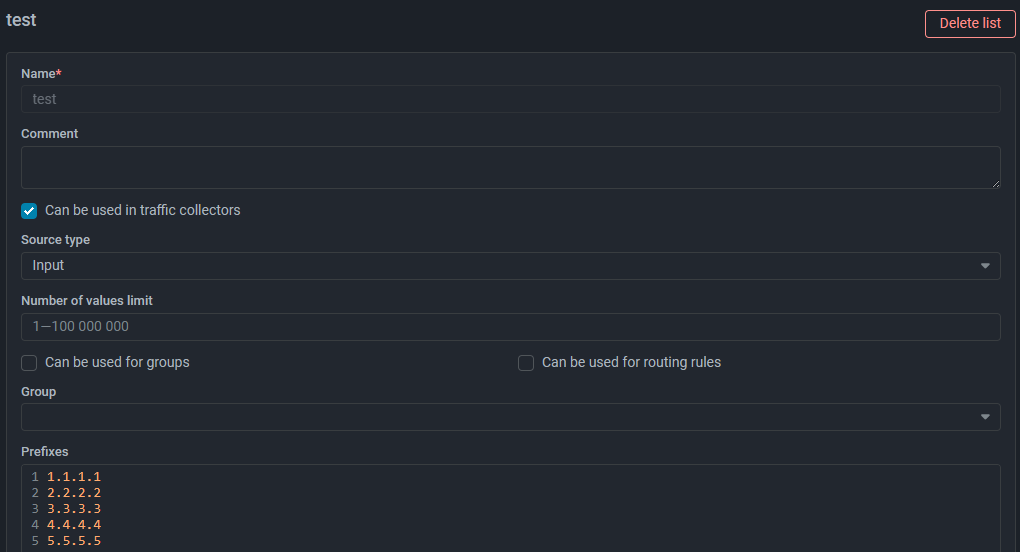
Named lists for which the ability to load onto Collector has been activated are marked with a flag in the common list.
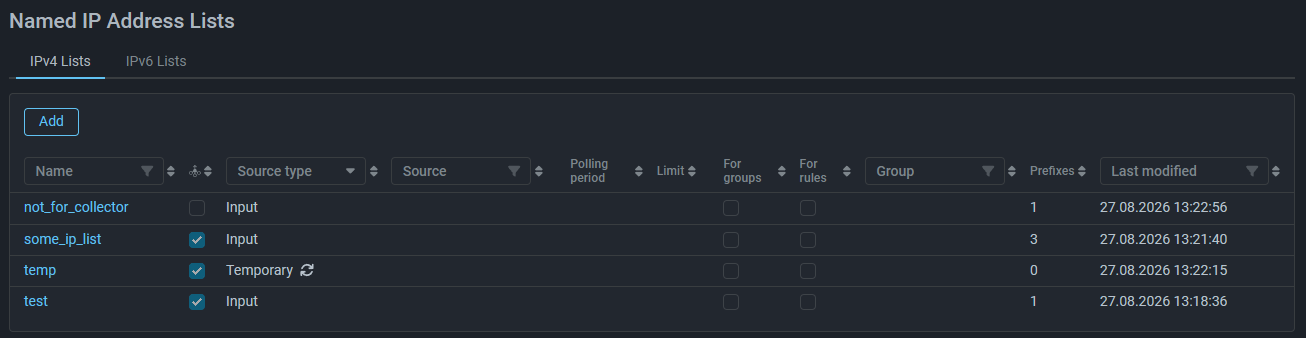
Currently, lists for loading onto Collector accept only IP addresses and prefixes. Support for autonomous system numbers and domain names will be added in future versions.
"Flow Analysis" Page
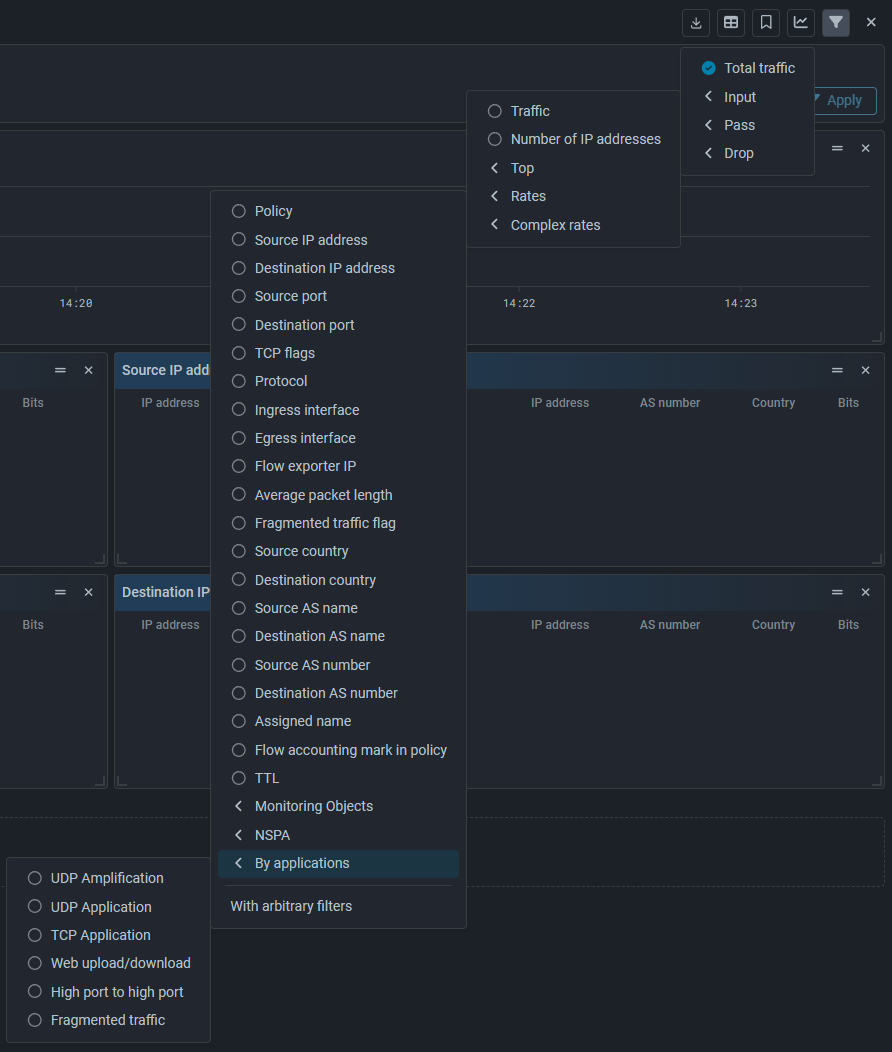
Added widgets of tops and rates by applications
Monitoring Objects
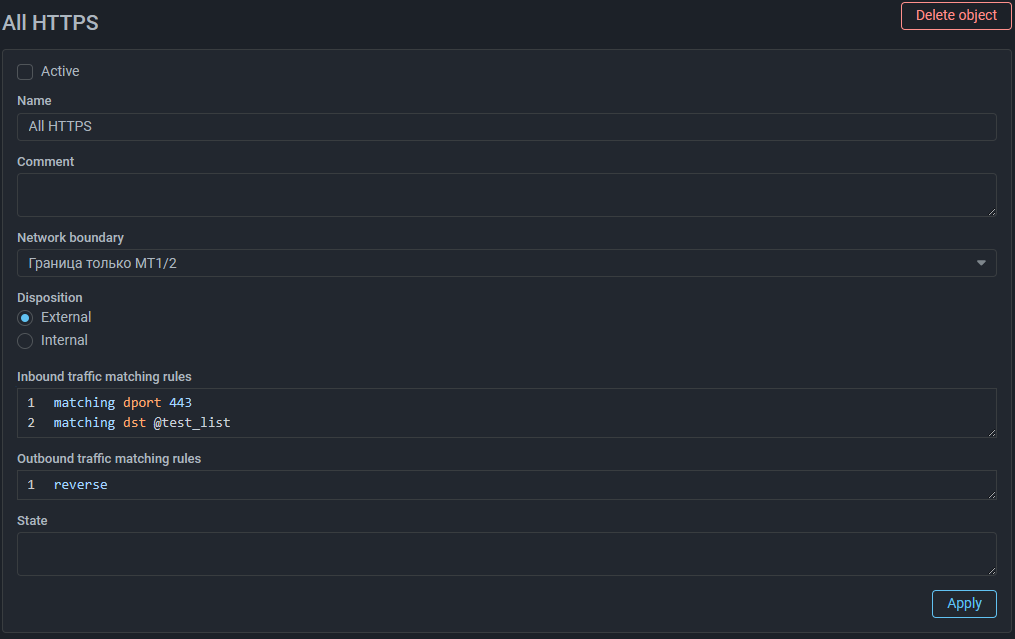
Added support for named IP address lists in the rules for defining inbound and outbound traffic
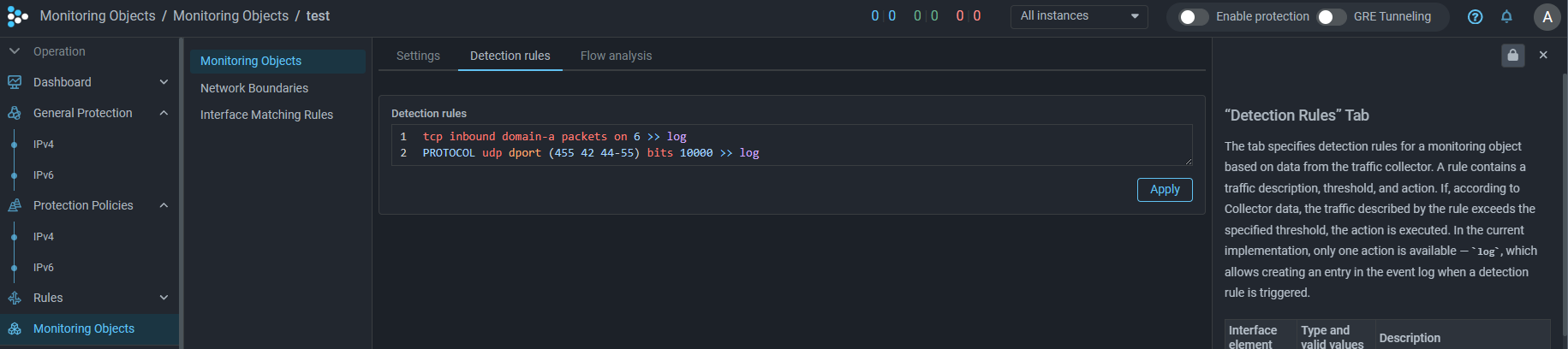
Added detection for monitoring object
A “Detection Rules” tab has been added to the monitoring object page, which specifies rules for the monitoring object’s traffic. A rule contains a traffic description, a threshold, and an action. If, according to the Collector’s data, the traffic described by the rule exceeds the threshold set for it, the action is performed.
Collector
Added keyword to hold an action in detection rules
The keyword ttl has been added to the grammar of detection rules based on Collector data.
Specifying ttl in a rule allows postponing the disabling of the action in the rule by the
specified number of seconds.
Example of a detection rule for a protection policy:
tcp per-dst bits 100 ttl 60 >> hpdThis rule means that when more than 100 bits of TCP traffic per second arrives at an IP address, that address is added to HPD and remains there as long as the threshold is exceeded, and also for another 60 seconds after the rate falls below the limit value.
If during these 60 seconds the traffic to the IP address again exceeds the threshold, the IP address will not be removed from HPD, that is, setting the hold time allows reducing flapping.
Example of a detection rule for a monitoring object:
tcp inbound domain-a packets on 6 ttl 60 >> logThis rule will create an entry in the event log about exceeding the rate threshold of 6 packets per second for inbound TCP traffic accounted for in domain a, as well as a repeated entry about the rate falling below 6 packets per second 60 seconds after the rate falls below the threshold.
In this case, specifying ttl in the rule allows reducing the number of entries in the event
log, since several events of exceeding and falling below the threshold will actually be merged
into a single event.
Added ability to not count flow with zero egress interface as dropped
Notifications
UX
Added ability to display graphs from several instances simultaneously
Added period switch buttons to all pages with graphs
ALT+Z — previous period
and ALT+C — next period.